Documentation Index Fetch the complete documentation index at: https://dripart-fix-cloud-button-text-1773163393.mintlify.app/llms.txt
Use this file to discover all available pages before exploring further.
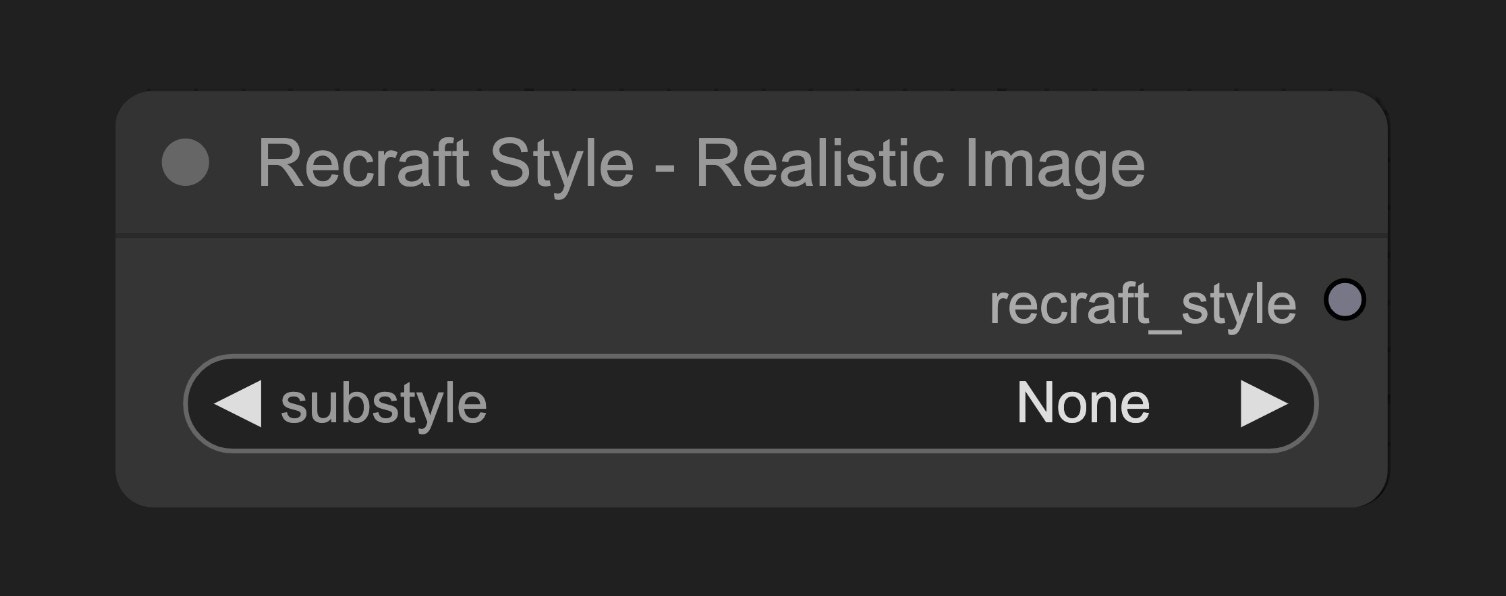
The Recraft Style - Realistic Image node helps set up realistic photo styles for Recraft image generation, with various substyle options to control the visual characteristics of generated images.
Node Function
This node creates a style configuration object that guides Recraft’s image generation process towards realistic photo effects.
Parameters
Basic Parameters
Parameter Type Default Description substyle select None Specific substyle of realistic photo (Required)
Output
Output Type Description recraft_style Recraft Style Style config object to connect to Recraft generation nodes
Usage Example
Recraft Text to Image Workflow Example Recraft Text to Image Workflow Example
Source Code
[Node source code (Updated on 2025-05-03)]
class RecraftStyleV3RealisticImageNode :
"""
Select realistic_image style and optional substyle.
"""
RETURN_TYPES = (RecraftIO. STYLEV3 ,)
RETURN_NAMES = ( "recraft_style" ,)
DESCRIPTION = cleandoc( __doc__ or "" ) # Handle potential None value
FUNCTION = "create_style"
CATEGORY = "api node/image/Recraft"
RECRAFT_STYLE = RecraftStyleV3.realistic_image
@ classmethod
def INPUT_TYPES ( s ):
return {
"required" : {
"substyle" : (get_v3_substyles(s. RECRAFT_STYLE ),),
}
}
def create_style ( self , substyle : str ):
if substyle == "None" :
substyle = None
return (RecraftStyle( self . RECRAFT_STYLE , substyle),)