

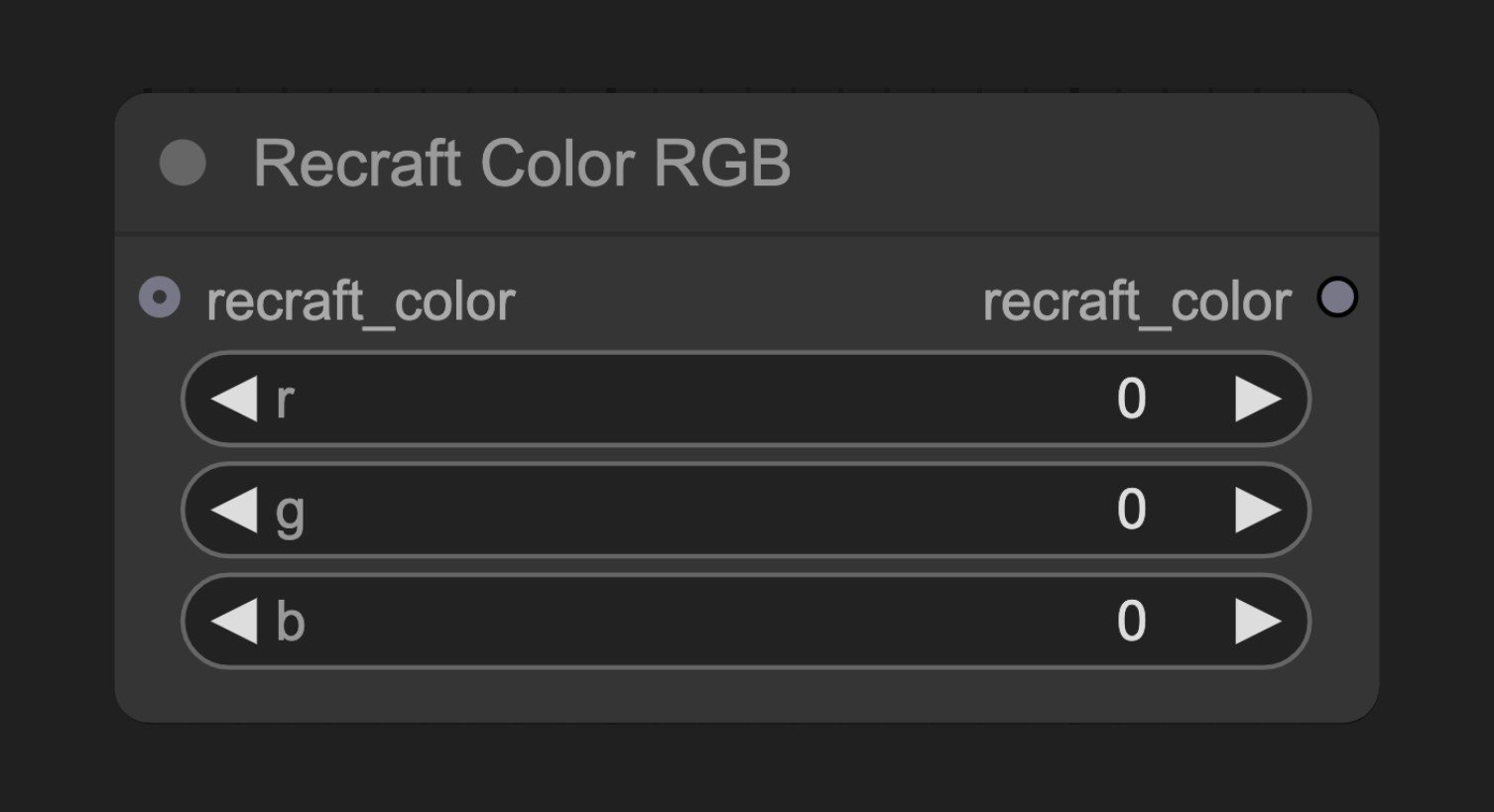
节点功能
此节点创建一个颜色配置对象,可以连接到Recraft Controls节点,用于指定生成图像中应使用的颜色。参数说明
基本参数
| 参数 | 类型 | 默认值 | 说明 |
|---|---|---|---|
| r | 整数 | 0 | 红色通道值(0-255) |
| g | 整数 | 0 | 绿色通道值(0-255) |
| b | 整数 | 0 | 蓝色通道值(0-255) |
输出
| 输出 | 类型 | 说明 |
|---|---|---|
| recraft_color | Recraft Color | 颜色配置对象,连接到Recraft Controls节点 |
使用示例
Recraft Text to Image 工作流示例
Recraft Text to Image 工作流示例
源码参考
[节点源码 (更新于2025-05-03)]class RecraftColorRGBNode:
"""
Create Recraft Color by choosing specific RGB values.
"""
RETURN_TYPES = (RecraftIO.COLOR,)
DESCRIPTION = cleandoc(__doc__ or "") # Handle potential None value
RETURN_NAMES = ("recraft_color",)
FUNCTION = "create_color"
CATEGORY = "api node/image/Recraft"
@classmethod
def INPUT_TYPES(s):
return {
"required": {
"r": (IO.INT, {
"default": 0,
"min": 0,
"max": 255,
"tooltip": "Red value of color."
}),
"g": (IO.INT, {
"default": 0,
"min": 0,
"max": 255,
"tooltip": "Green value of color."
}),
"b": (IO.INT, {
"default": 0,
"min": 0,
"max": 255,
"tooltip": "Blue value of color."
}),
},
"optional": {
"recraft_color": (RecraftIO.COLOR,),
}
}
def create_color(self, r: int, g: int, b: int, recraft_color: RecraftColorChain=None):
recraft_color = recraft_color.clone() if recraft_color else RecraftColorChain()
recraft_color.add(RecraftColor(r, g, b))
return (recraft_color, )