Documentation IndexFetch the complete documentation index at: /llms.txtUse this file to discover all available pages before exploring further.
Fetch the complete documentation index at: /llms.txt
Use this file to discover all available pages before exploring further.
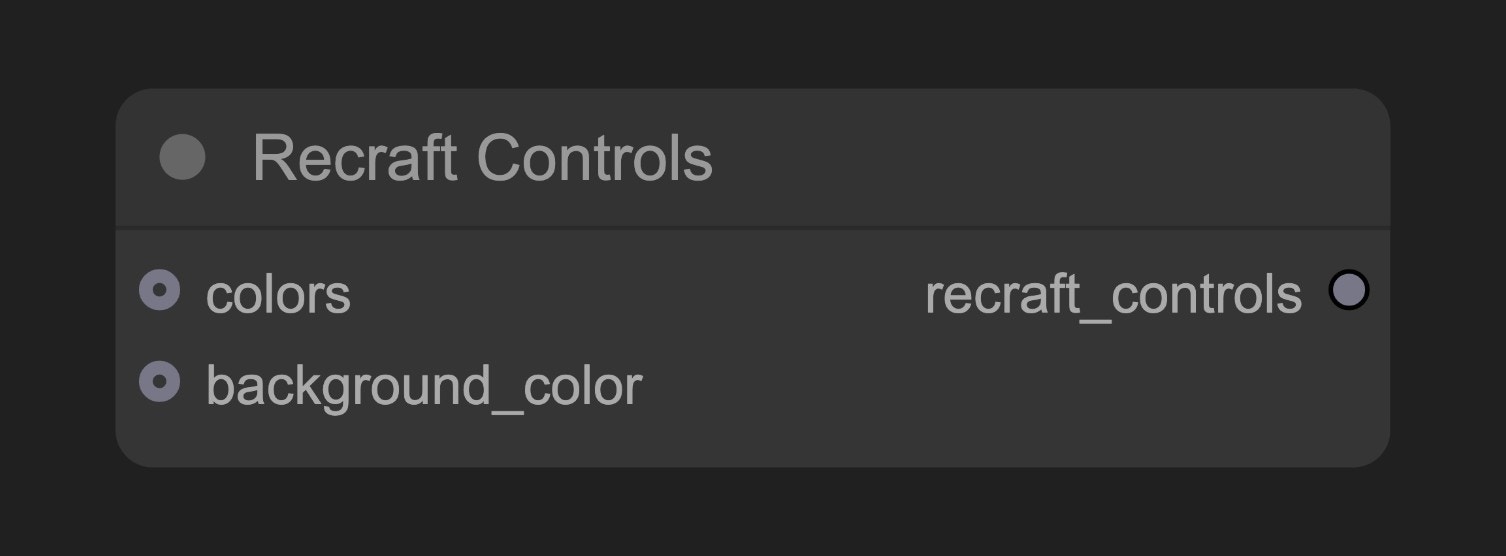
为Recraft图像生成提供高级控制参数的节点
class RecraftControlsNode:
    """
    Create Recraft Controls for customizing Recraft generation.
    """

    RETURN_TYPES = (RecraftIO.CONTROLS,)
    RETURN_NAMES = ("recraft_controls",)
    DESCRIPTION = cleandoc(__doc__ or "")  # Handle potential None value
    FUNCTION = "create_controls"
    CATEGORY = "api node/image/Recraft"

    @classmethod
    def INPUT_TYPES(s):
        return {
            "required": {
            },
            "optional": {
                "colors": (RecraftIO.COLOR,),
                "background_color": (RecraftIO.COLOR,),
            }
        }

    def create_controls(self, colors: RecraftColorChain=None, background_color: RecraftColorChain=None):
        return (RecraftControls(colors=colors, background_color=background_color), )
此页面对您有帮助吗?